

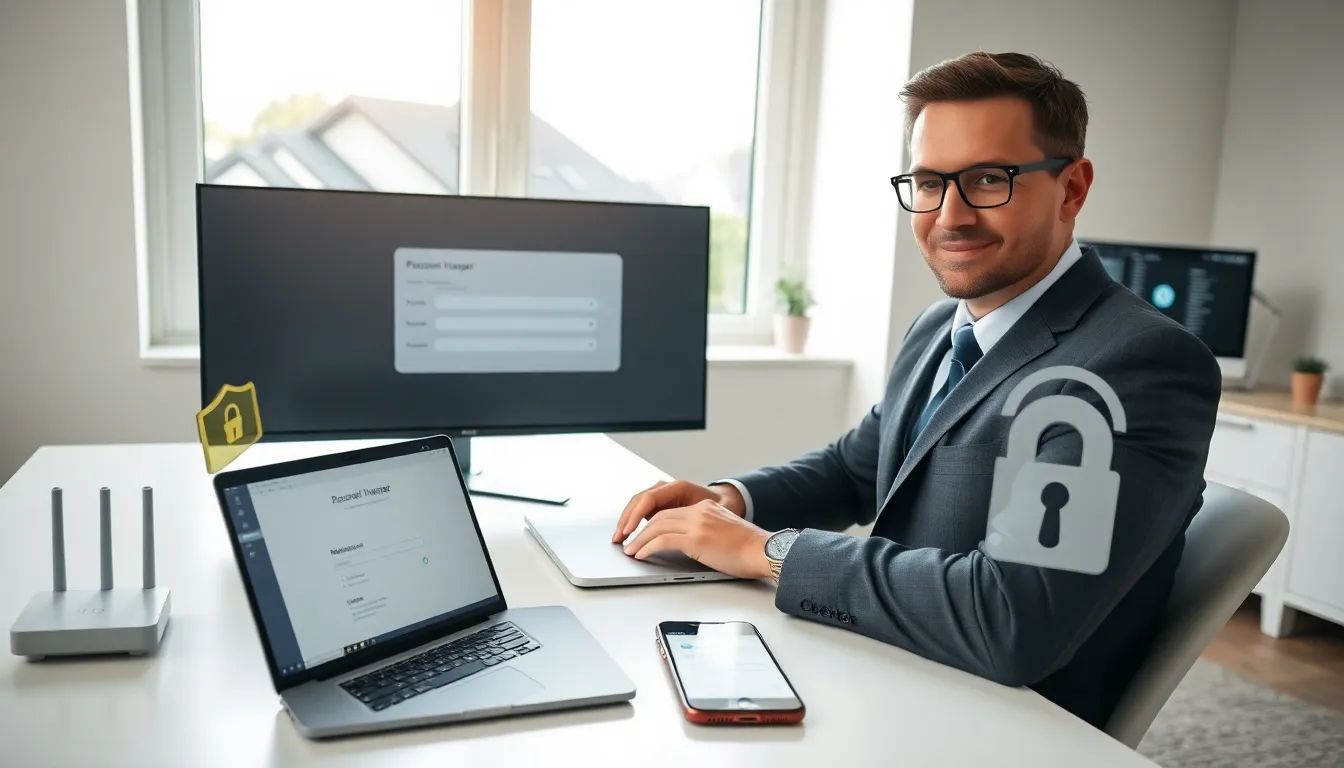
Cybercriminals steal billions of dollars from individuals every year. Following proven security tips can prevent most attacks before they happen. The good news? You don’t need to be a tech expert to protect yourself online.
This guide covers practical steps anyone can take right now. From stronger passwords to safer browsing habits, these security tips will help shield personal data, financial accounts, and digital identity from common threats. Each recommendation is straightforward and effective.
Table of Contents
ToggleKey Takeaways
- Use a password manager and create unique, 16+ character passwords for every account to prevent credential-based breaches.
- Enable two-factor authentication (2FA) on all accounts—this single security tip stops most unauthorized access attempts.
- Keep all devices and software updated automatically to patch vulnerabilities hackers actively exploit.
- Verify senders and inspect links before clicking to avoid phishing attacks that steal sensitive information.
- Secure your home network by changing default router credentials, using WPA3 encryption, and setting up a guest network.
- Back up important data regularly to protect against ransomware and ensure recovery without paying criminals.
Strengthen Your Passwords and Authentication
Weak passwords remain the leading cause of account breaches. Hackers use automated tools that can crack simple passwords in seconds. Strong authentication is the first line of defense.
Create unique passwords for every account. Reusing passwords means one breach exposes all accounts. A password manager generates and stores complex passwords, so users only need to remember one master password. Popular options include Bitwarden, 1Password, and Dashlane.
Make passwords long and unpredictable. Security experts recommend at least 16 characters. Mix uppercase letters, lowercase letters, numbers, and symbols. Avoid personal information like birthdays, pet names, or addresses. A random passphrase like “Purple$Bicycle7Rocket.Moon” works better than “Password123.”
Enable two-factor authentication (2FA) everywhere. This security tip alone stops most unauthorized access attempts. Even if someone steals a password, they can’t log in without the second verification step. Authentication apps like Google Authenticator or Authy provide more protection than SMS codes, which hackers can intercept.
Check haveibeenpwned.com periodically. This free service reveals if email addresses or passwords appeared in known data breaches. Change compromised credentials immediately.
Keep Your Devices and Software Updated
Software updates do more than add new features. They patch security vulnerabilities that hackers actively exploit. Delaying updates leaves devices exposed to known attack methods.
Turn on automatic updates. This applies to operating systems, web browsers, and applications. Windows, macOS, iOS, and Android all offer automatic update settings. Enable them and let the process run in the background.
Update firmware on routers and smart devices. These often get overlooked. Manufacturers release security patches for routers, smart TVs, cameras, and other connected devices. Check manufacturer websites quarterly for firmware updates.
Remove software you no longer use. Old applications create unnecessary attack surfaces. Each installed program represents a potential vulnerability. Uninstall unused apps from computers and phones.
Replace unsupported devices. When manufacturers stop releasing security updates, devices become permanent risks. Windows 10, for example, will stop receiving security patches in October 2025. Plan upgrades before support ends.
These security tips require minimal effort but provide significant protection. A few minutes spent updating software can prevent hours of dealing with a compromised system.
Recognize and Avoid Phishing Attempts
Phishing attacks trick people into revealing sensitive information. Criminals pose as banks, employers, government agencies, or trusted companies. These scams arrive through email, text messages, phone calls, and social media.
Verify the sender before clicking anything. Hover over email addresses to see the actual domain. Legitimate companies use their official domains, not random strings of characters. “[email protected]” is not Amazon.
Watch for urgency and fear tactics. Phishing messages often claim accounts will be closed, payments failed, or legal action is pending. Real organizations rarely demand immediate action through email. When in doubt, contact the company directly using contact information from their official website.
Inspect links before clicking. Hover over hyperlinks to preview the destination URL. Phishing sites often use misspelled domains or extra characters. “paypa1.com” looks similar to “paypal.com” at first glance.
Never provide passwords or financial details via email. Legitimate companies don’t request this information through email. Banks and government agencies have secure portals for sensitive transactions.
Report suspected phishing to the impersonated organization and forward emails to [email protected]. Following these security tips helps protect both individuals and the broader community from scammers.
Secure Your Home Network
A compromised home network gives attackers access to every connected device. Smartphones, laptops, smart speakers, and security cameras all share the same connection. Proper network security protects them all.
Change default router credentials. Most routers ship with generic usernames and passwords like “admin/admin.” Hackers know these defaults. Access router settings through the manufacturer’s app or web interface and create unique login credentials.
Use WPA3 encryption when available. WPA3 is the current standard for wireless security. If devices don’t support WPA3, use WPA2. Never use WEP encryption, it’s outdated and easily cracked.
Create a strong Wi-Fi password. Apply the same rules used for account passwords. Long, random, and unique. Share it only with trusted people.
Set up a guest network. Many routers allow separate networks for visitors and smart home devices. This isolates them from primary devices containing sensitive data. If a guest’s infected phone connects, it can’t reach personal computers.
Disable remote management features. Unless specifically needed, turn off remote access to router settings. This prevents external parties from changing configurations.
These security tips create multiple layers of protection around home networks.
Practice Safe Browsing and Data Sharing Habits
Daily online habits significantly impact security. Small choices about what to click, share, and download add up over time.
Use HTTPS websites for sensitive activities. The padlock icon in browser address bars indicates encrypted connections. Never enter passwords or payment information on HTTP sites. Browser extensions like HTTPS Everywhere can enforce secure connections automatically.
Think before sharing on social media. Vacation announcements tell burglars when homes are empty. Birthday posts reveal security question answers. Pet names, mother’s maiden names, and childhood streets often appear in account recovery questions. Oversharing creates vulnerability.
Download software only from official sources. Get apps from Apple’s App Store, Google Play, or publisher websites. Third-party download sites often bundle malware with legitimate programs.
Review app permissions regularly. Does a flashlight app really need access to contacts and location? Deny unnecessary permissions. Both iOS and Android provide permission management in settings.
Use a VPN on public Wi-Fi. Coffee shop and airport networks lack security. Virtual private networks encrypt traffic, preventing eavesdropping. Many reputable VPN services cost less than $5 monthly.
Back up important data. Ransomware attacks encrypt files and demand payment for recovery. Regular backups to external drives or cloud services provide recovery options without paying criminals.
Consistent application of these security tips builds strong protection habits.

