

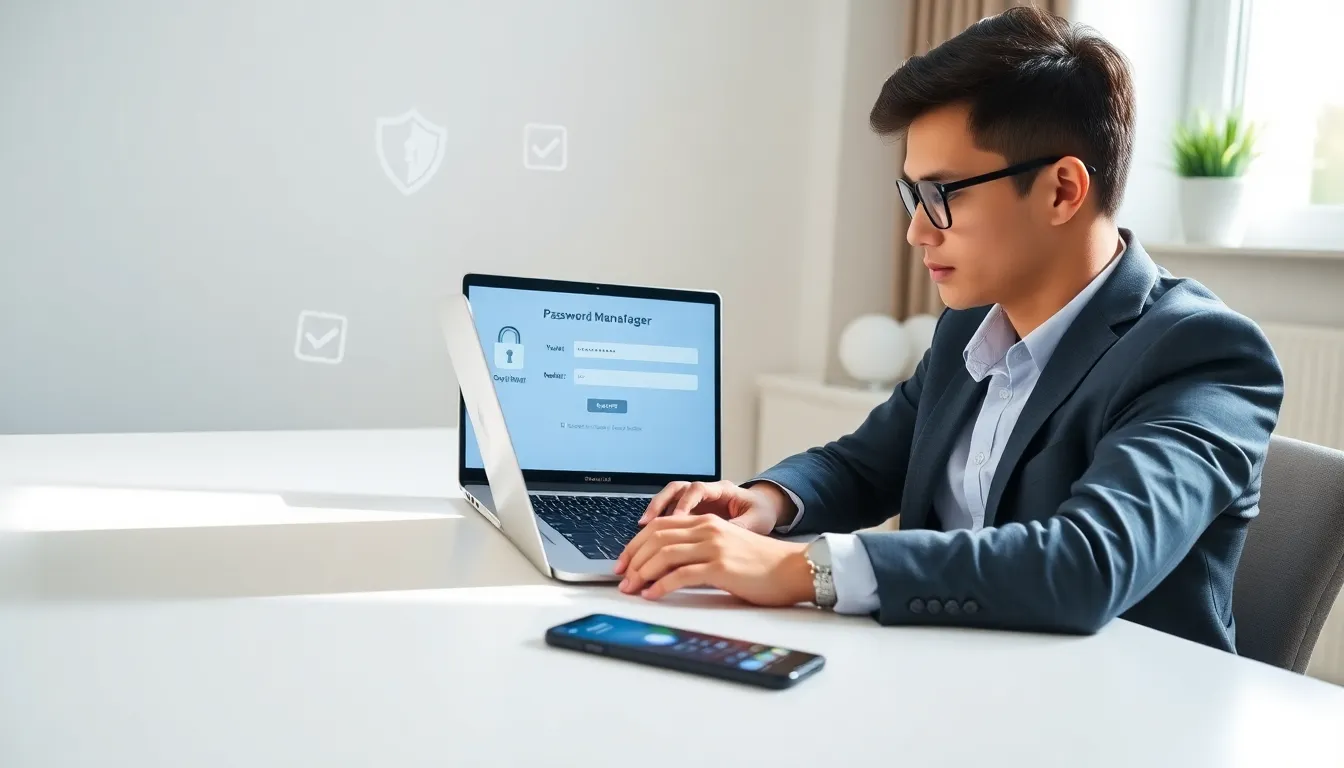
Security for beginners starts with one simple truth: everyone is a target. Hackers don’t just go after big corporations or wealthy individuals. They cast wide nets, hoping to catch anyone with weak passwords, outdated software, or a habit of clicking suspicious links.
The good news? Basic online security isn’t complicated. Most cyberattacks succeed because people skip fundamental protections, not because criminals use sophisticated techniques. This guide covers the practical steps anyone can take to stay safer online, from password management to spotting scams before they cause damage.
Table of Contents
ToggleKey Takeaways
- Security for beginners starts with accepting that everyone is a potential target—cybercriminals cast wide nets looking for weak passwords and outdated software.
- Use a password manager to create and store unique, 12+ character passwords for every account—it’s the single most impactful security upgrade you can make.
- Enable two-factor authentication (2FA) on email, banking, and social media accounts to block access even if your password is stolen.
- Recognize phishing attempts by checking sender addresses, hovering over links before clicking, and verifying unusual requests through official channels.
- Keep all software updated automatically, back up important data using the 3-2-1 rule, and avoid accessing sensitive accounts on public WiFi.
- Start small by tackling three high-impact changes first: password manager, 2FA on critical accounts, and automatic updates.
Why Security Matters for Everyone
Many people assume they’re too unimportant to hack. “Who would want my data?” they ask. The answer: plenty of people.
Cybercriminals target ordinary individuals for several reasons:
- Financial theft: Bank accounts, credit cards, and payment apps hold real money.
- Identity fraud: Personal information sells on dark web marketplaces. A Social Security number, date of birth, and address can fetch $10-$50.
- Account takeover: Email and social media accounts get hijacked to scam friends and family.
- Ransomware: Personal photos, documents, and files become leverage for extortion.
The 2023 FBI Internet Crime Report recorded over 880,000 complaints with losses exceeding $12.5 billion. Average people, not corporations, filed most of these reports.
Security for beginners means accepting this reality: digital life carries real risks. But understanding those risks is the first step toward managing them effectively.
Essential Password Practices
Passwords remain the front door to digital life. Unfortunately, most people use weak ones.
The most common passwords of 2024 include “123456,” “password,” and “qwerty.” Hackers crack these in seconds using automated tools that test millions of combinations.
Creating Strong Passwords
A strong password has three qualities:
- Length: Aim for 12+ characters minimum. Each additional character multiplies the time needed to crack it.
- Randomness: Avoid dictionary words, names, birthdays, or predictable patterns.
- Uniqueness: Never reuse passwords across different accounts.
One effective method: combine four random words into a passphrase. “correct-horse-battery-staple” beats “P@ssw0rd.” every time.
Using a Password Manager
Remembering dozens of unique passwords is impossible. Password managers solve this problem.
These tools store all passwords in an encrypted vault. Users remember one master password: the manager handles everything else. Popular options include Bitwarden, 1Password, and Dashlane.
Password managers also generate random passwords and flag reused or weak ones. They’re the single most impactful security upgrade beginners can make.
Enabling Two-Factor Authentication
Two-factor authentication (2FA) adds a second verification step beyond passwords. Even if someone steals a password, they can’t access the account without the second factor.
Common 2FA methods include:
- SMS codes (better than nothing, but vulnerable to SIM swapping)
- Authenticator apps like Google Authenticator or Authy (more secure)
- Hardware keys like YubiKey (most secure)
Enable 2FA on email, banking, and social media accounts first. These accounts matter most.
Recognizing Common Online Threats
Security for beginners requires threat awareness. Knowing what to watch for prevents most attacks.
Phishing Attacks
Phishing uses fake emails, texts, or websites to steal credentials. A message might claim to be from a bank, shipping company, or tech support. It creates urgency, “Your account will be closed.”, and includes a link to a fake login page.
Spot phishing attempts by checking:
- Sender address: Legitimate companies use official domains, not Gmail or misspelled variations.
- Link destinations: Hover over links before clicking. Does the URL match the claimed sender?
- Grammar and formatting: Many phishing attempts contain obvious errors.
- Unusual requests: Banks don’t ask for passwords via email.
Malware and Ransomware
Malware is malicious software that infects devices. It arrives through email attachments, sketchy downloads, or compromised websites.
Ransomware, a type of malware, encrypts files and demands payment for their return. Victims who pay often don’t get their files back anyway.
Protection basics: don’t download files from unknown sources, keep software updated, and maintain backups.
Social Engineering
Social engineering manipulates people rather than systems. Attackers pose as IT support, coworkers, or authority figures to extract information or access.
The defense is simple: verify requests through separate channels. If “IT” calls asking for credentials, hang up and call the official number.
Simple Steps to Secure Your Devices
Device security creates a foundation for everything else. A compromised phone or computer undermines every other precaution.
Keep Software Updated
Software updates patch security vulnerabilities. Delaying updates leaves known holes open for attackers to exploit.
Enable automatic updates on:
- Operating systems (Windows, macOS, iOS, Android)
- Web browsers
- Apps, especially security software
Yes, updates can be annoying. They’re still worth it.
Use Antivirus Protection
Modern operating systems include built-in protection. Windows Defender handles most threats adequately. Mac and mobile users face fewer risks but aren’t immune.
Third-party antivirus adds extra layers. Reputable options include Malwarebytes, Norton, and Bitdefender. Avoid free antivirus from unknown companies, some are malware themselves.
Secure Your Network
Home WiFi networks need protection too. Change default router passwords. Use WPA3 encryption if available, or WPA2 at minimum. Never use WEP, it’s easily cracked.
Public WiFi presents bigger risks. Avoid accessing sensitive accounts on coffee shop networks. If necessary, use a VPN to encrypt traffic.
Back Up Important Data
Backups protect against ransomware, device failure, and accidental deletion. Follow the 3-2-1 rule:
- 3 copies of important data
- 2 different storage types (cloud + external drive)
- 1 copy stored offsite
Automated cloud backup services make this easy. Set it once and forget it.
Building Lasting Security Habits
Security for beginners isn’t about perfection, it’s about consistency. Good habits matter more than occasional vigilance.
Think Before You Click
Pause before clicking links or opening attachments. Ask: Did I expect this? Does it make sense? Is the sender legitimate?
This three-second habit prevents most phishing attacks.
Review Account Activity
Check bank statements and credit reports regularly. Catch unauthorized activity early. Many banks offer real-time transaction alerts, enable them.
Review connected apps and devices on major accounts quarterly. Revoke access for anything unrecognized.
Stay Informed
Security threats evolve. New scams emerge constantly. Following security news helps spot trends.
Useful resources include:
- Krebs on Security (blog)
- Have I Been Pwned (breach checker)
- FTC Consumer Alerts (official government updates)
Start Small, Build Up
Don’t try to fix everything at once. Begin with these high-impact changes:
- Install a password manager and update critical passwords
- Enable 2FA on email and financial accounts
- Turn on automatic updates
These three steps block most common attacks. Additional measures can follow as habits solidify.

